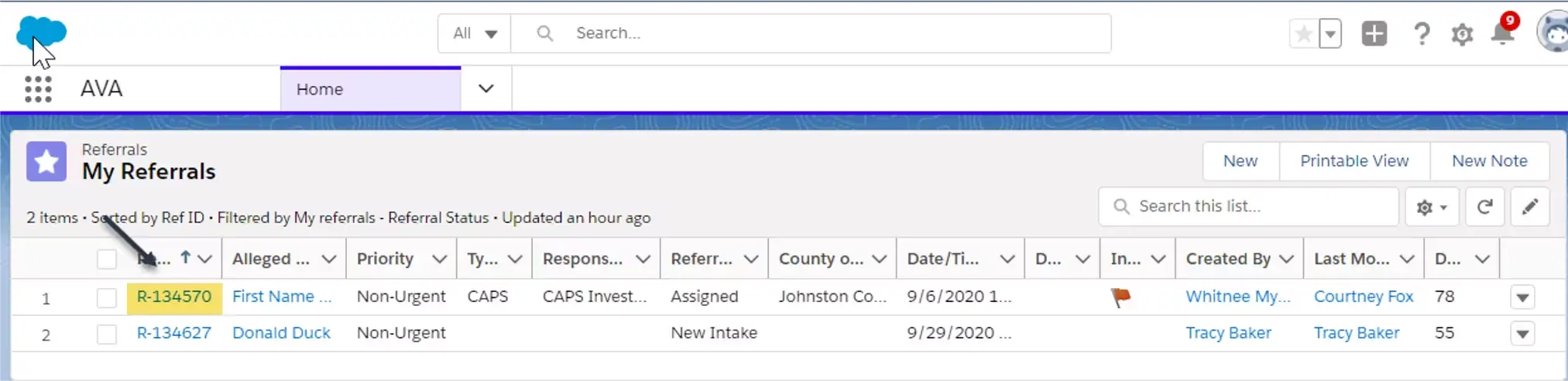
- From the Home tab, locate the case in which you are wanting to enter a RNC assessment and click the Referral ID.
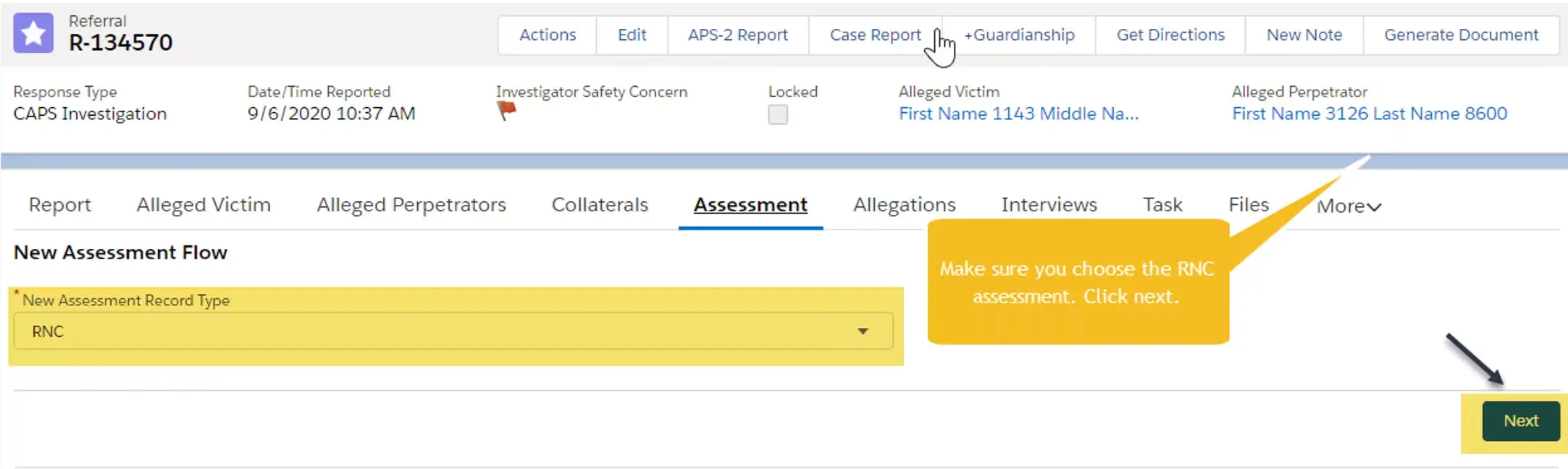
- Once in the case, locate and click the Assessment tab.

- Choose RNC and click Next.
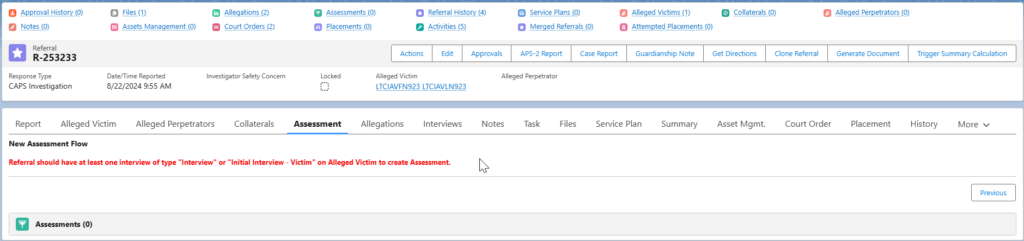
- If an interview has not been completed for the AV, this message will appear. Please complete the interview then return to complete this assessment once the interview has been documented.
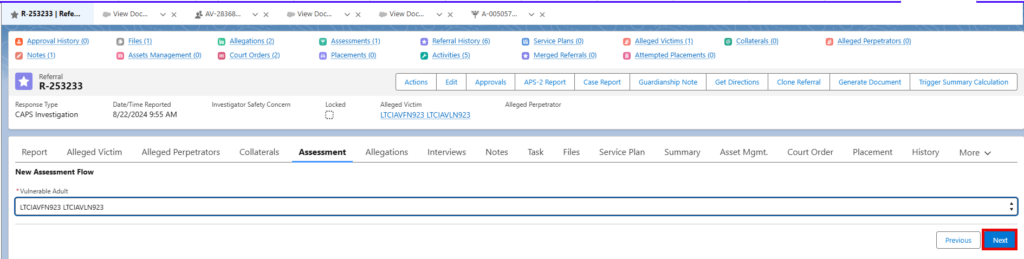
- Choose the Vulnerable Adult from the picklist and click “Next.”
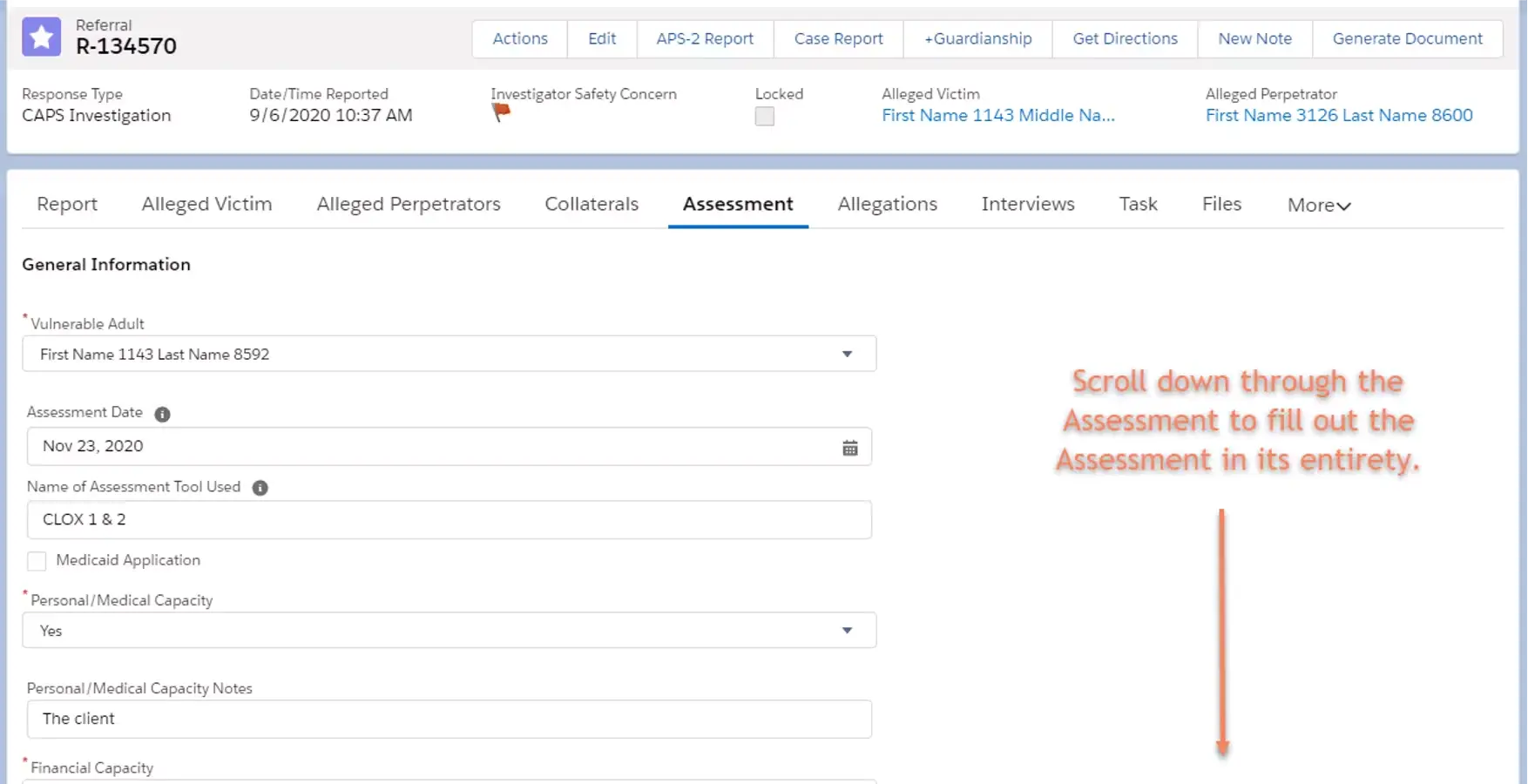
- Fill out the Assessment in its entirety.
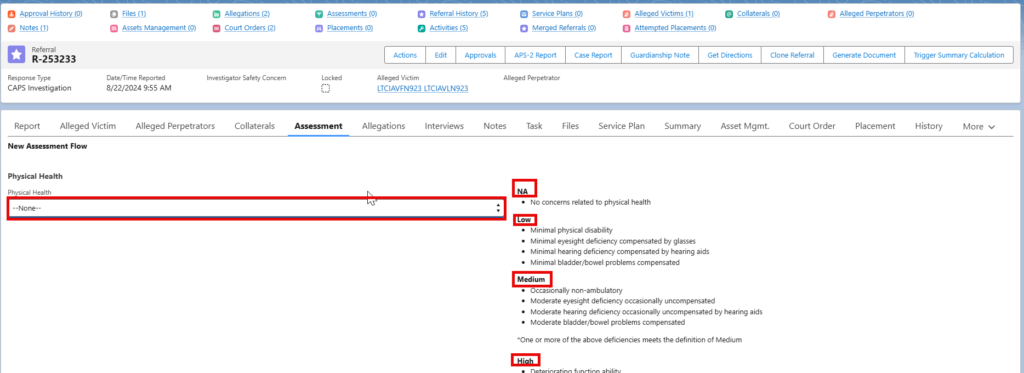
- The next several pages will ask questions about Physical Health, Services and Support, Environment, Financial Management, Mental Health, Severity of ANE, Alleged Perpetrator and Capacity. Use the picklists to answer these questions. NOTE: The definitions for NA, Low, Medium, and High are to the right for reference when choosing an answer from the picklist.
- Click “Next” to move to the next page.
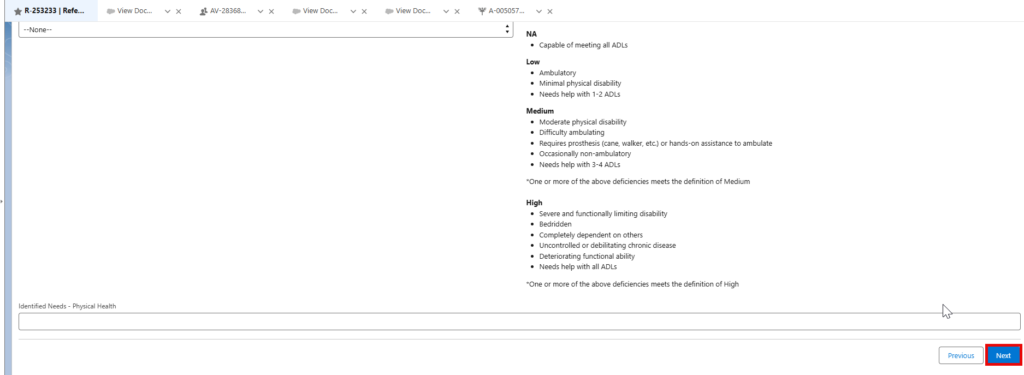
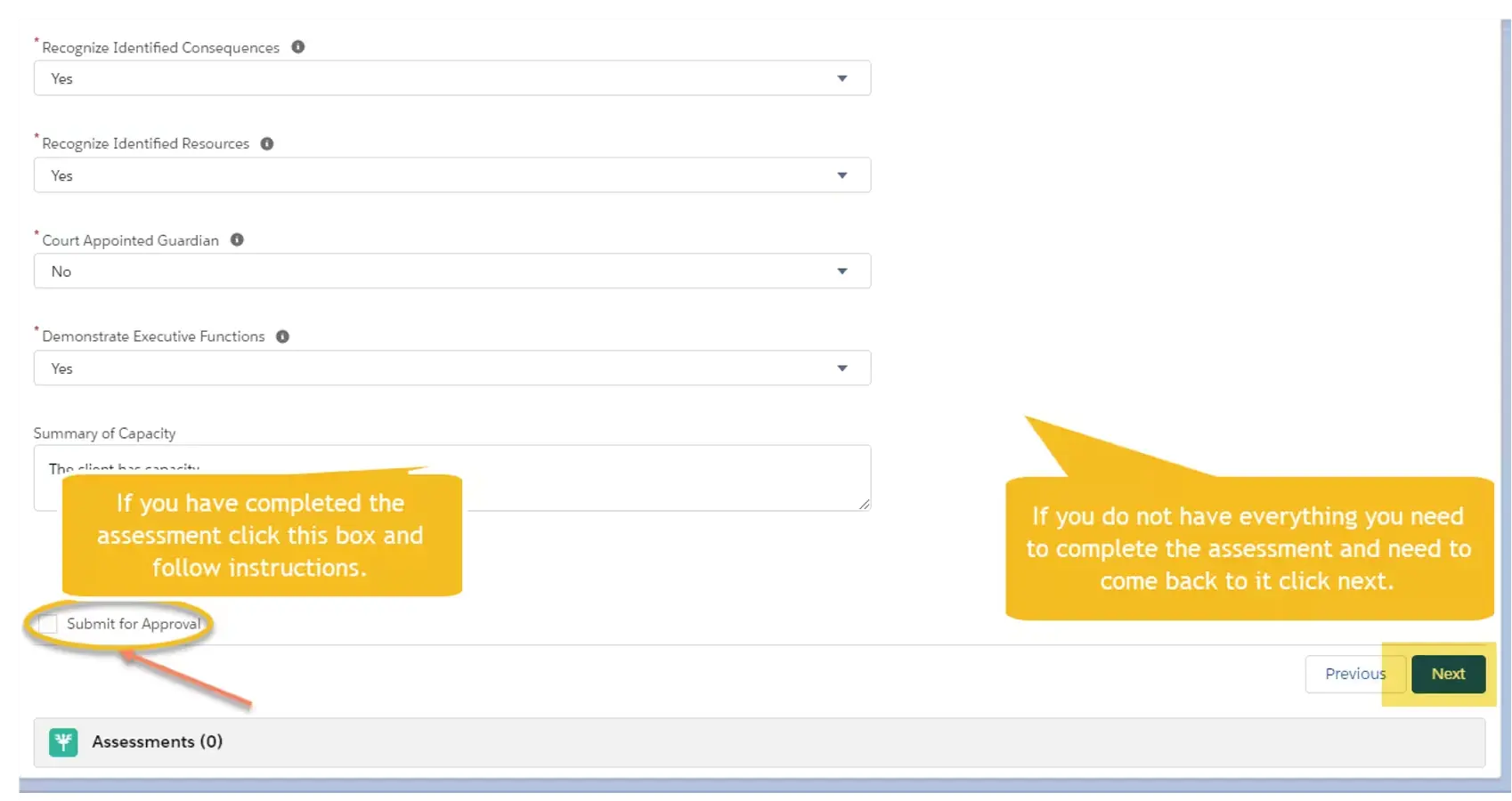
- If you are done with the assessment, you can mark the assessment for Submit for Approval and click Next. If not completed, do not mark to Submit for Approval, simply click Next.
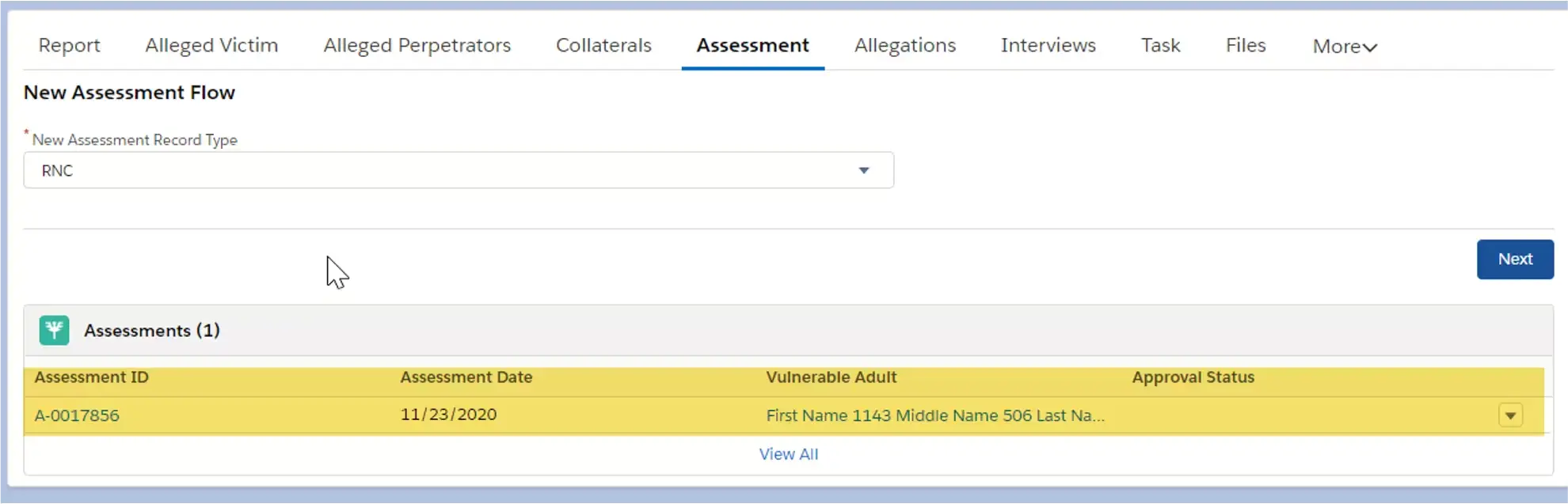
- You will see your assessment has been added. If you need to go back into your assessment and add information you would just click on the Assessment ID, add the information and either check submit for approval or click next to save the assessment so you can go back into the assessment.