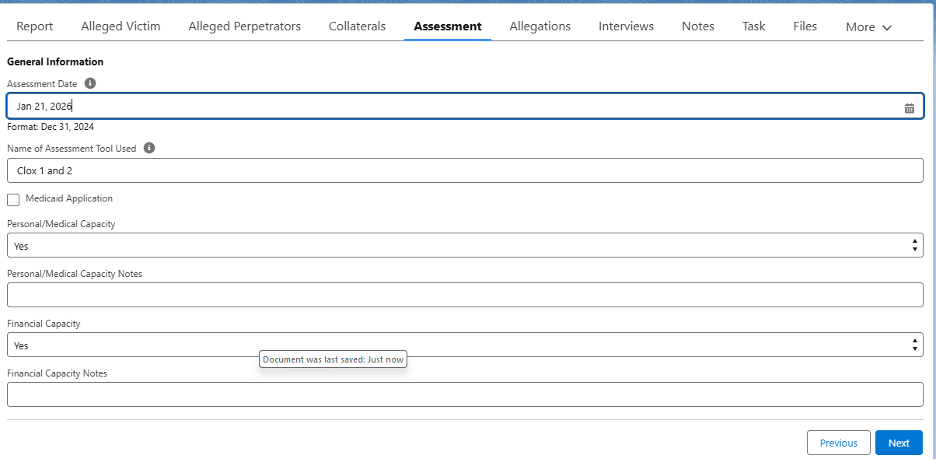
- From Home, select My Referrals
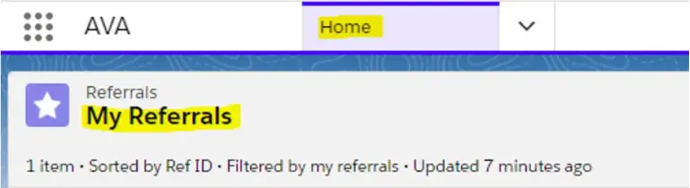
- Click on the Referral ID of the case you want to continue an existing RNC
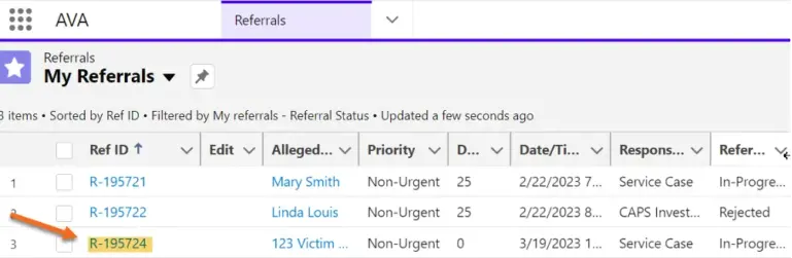
- Click the Assessment tab

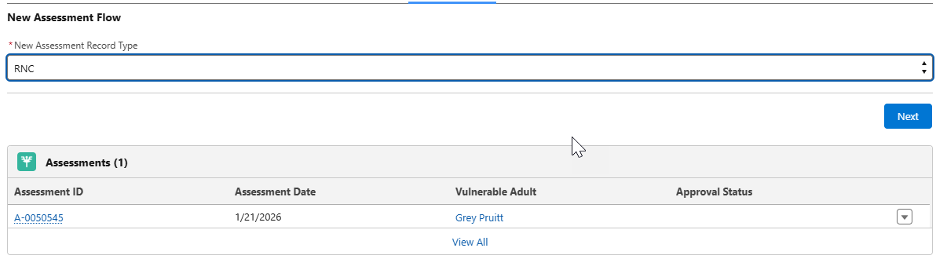
- Select RNC under the “New Assessment Record Type” picklist and click “Next.”
- Select the AV from the “Vulnerable Adult” picklist. Click “Next.”

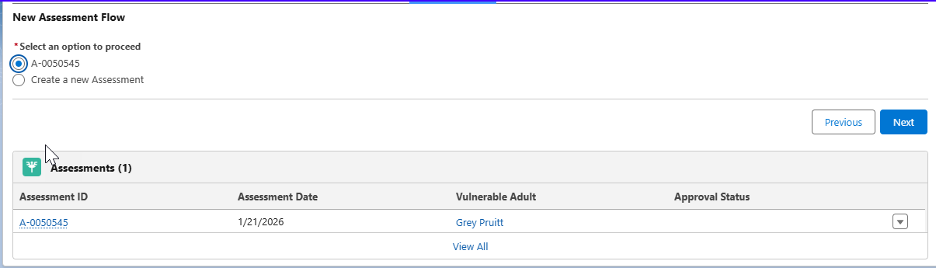
- Select the radio button for the existing assessment. Click “Next.”
- Continue the RNC assessment.