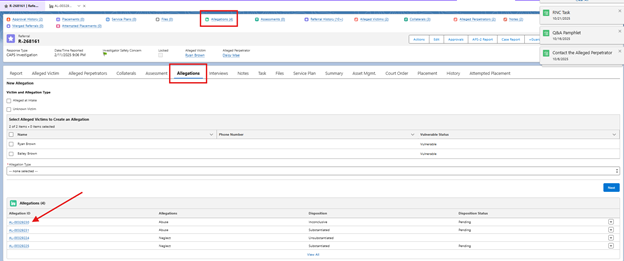
- Navigate to the Allegation Tab or Quick Link and locate the Allegation ID you wish to Recall.
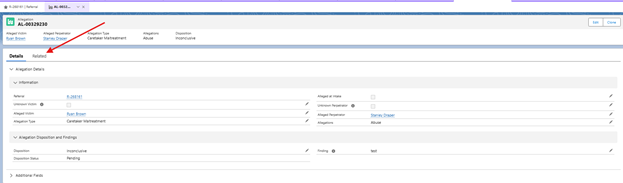
- Click Related.
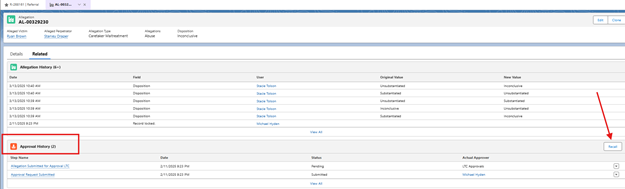
- Under the Approval History section, there will be a Recall button on the right. Click Recall.
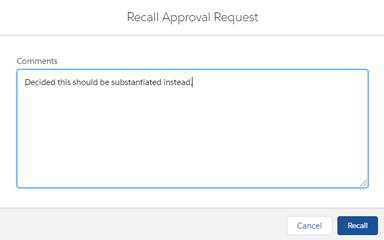
- Type a Recall reason and click Recall.
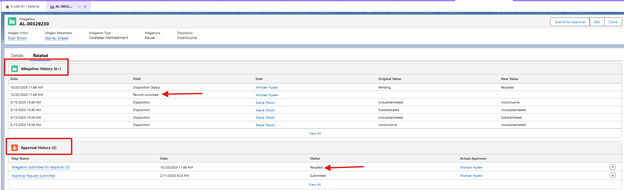
- Under the Approval History section, the Status will change to Recalled. Under the Allegation History, the Field will change to Record unlocked.