- Go to the Actions button and select Submit Placement Record. Click
Next.

- Select the correct AV for the placement record. Click
Next.

- Enter the Facility Name, select Placement type.
- Then check the boxes of the
Protocolthat have been completed. All steps of the protocol must be completed before submitting the placement for approval. - Enter the Level of Harm that was reported in the last OSDH Survey. Under the subject Deficiency Category, note any areas of deficiency found in the OSDH survey.
- Comments section should follow the example provided in the sample placement. If Comment section is not completed with a statement that includes the information from OSDH, Ombudsman and LTC like the example provided, the placement recommendation will not be reviewed. It will be rejected.
- Once all areas are completed, click
Next.

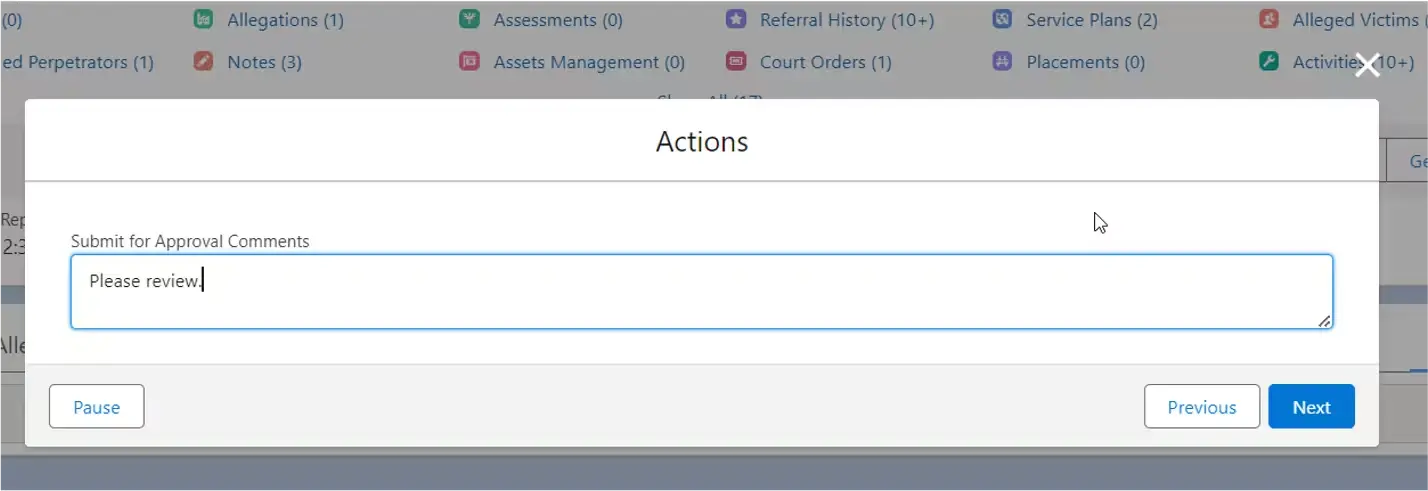
- Enter a comment and click
Next. A message will appear that the placement has been submitted.