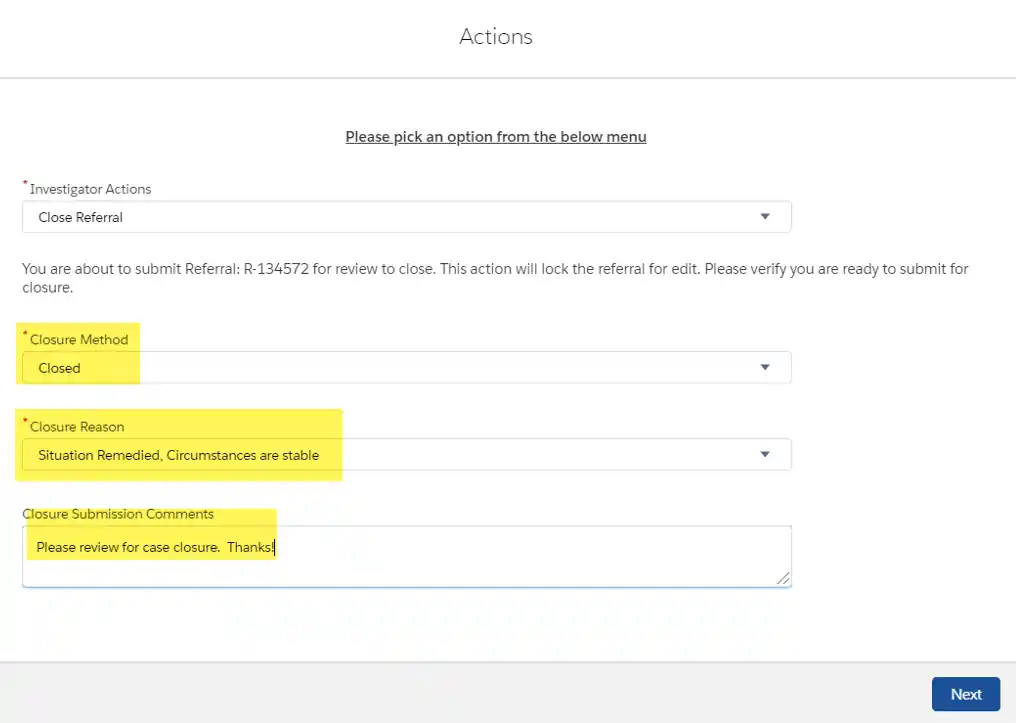
- If you are ready to submit the entire case for closure click
Actions.

- Select
Close Referralfrom the drop-down select.

- Select either
ClosedorClosed – FollowUp for the Closure Method, select an appropriate Closure Reason from the drop-down, and type a comment. Then clickNext.
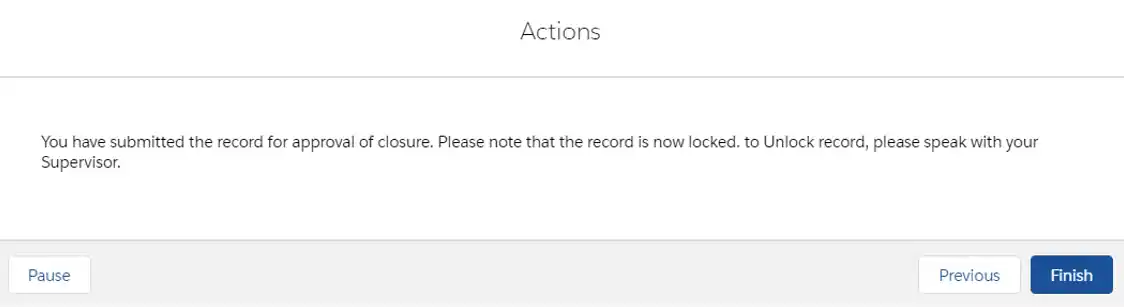
- You will receive a pop up stating that you successfully submitted the record for approval, which locks the record. Click
Finish.
- There will be red lettering in the middle of the page notifying you that
This Record is Locked.

