- From Home, click on
My Referrals.

- Click on the
Referral ID.

- Click on the
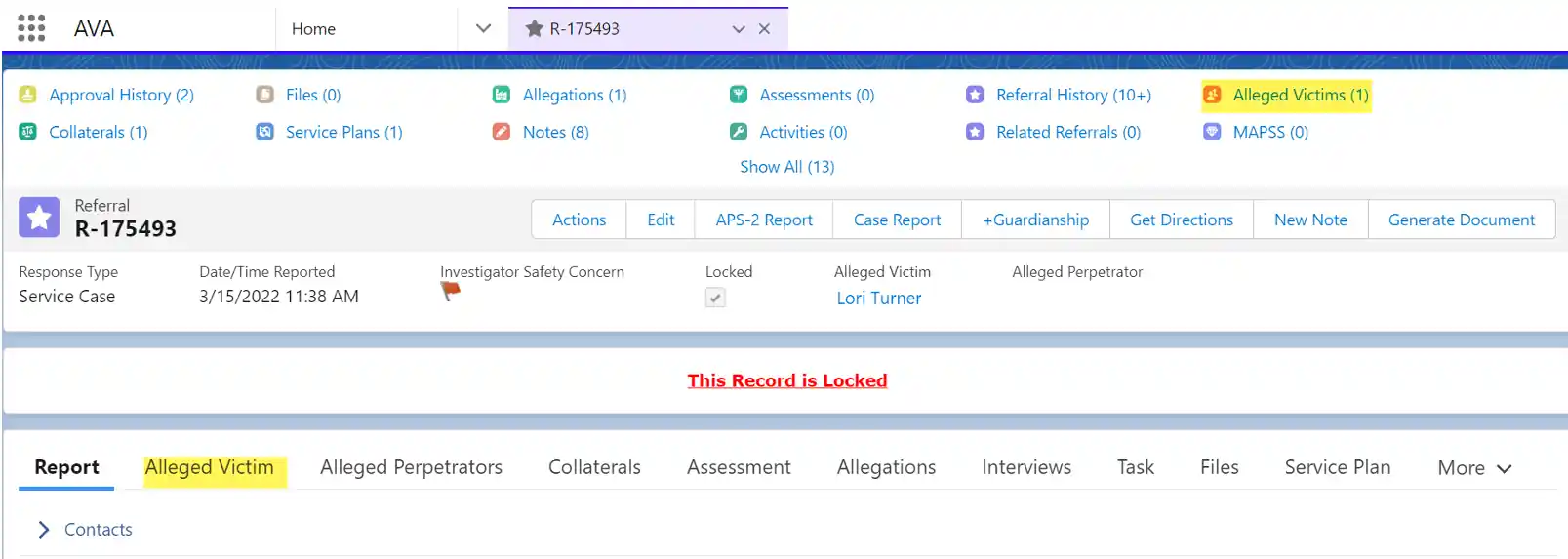
Alleged Victimtab or use theAlleged Victimquick link to locate the Alleged Victim. Then Select the Alleged Victim ID that you wish to view.

- Under Details, scroll down to see the
VulnerabilitiesandVulnerability Details. As you go through your case, you will need to update the vulnerabilities by clicking the pencil to the right of that section.

