How to Create an Initial Guardianship Assessment
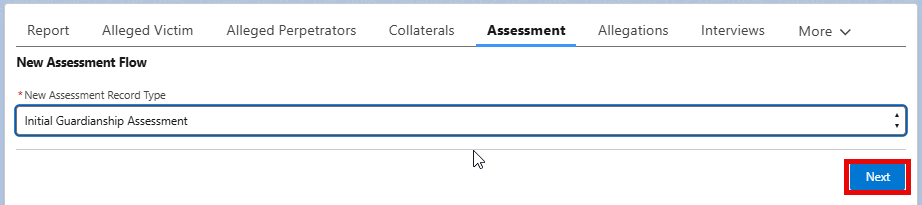
- Click the Assessment tab
- Select “Initial Guardianship Assessment” under “New Assessment Record Type” picklist
- Click Next
- Fill out the assessment. Every question on the Initial Guardianship Assessment is required to be answered.
- If the assessment is ready to be submitted, click “submit for approval” and click next. This will submit the assessment to your supervisor for approval.
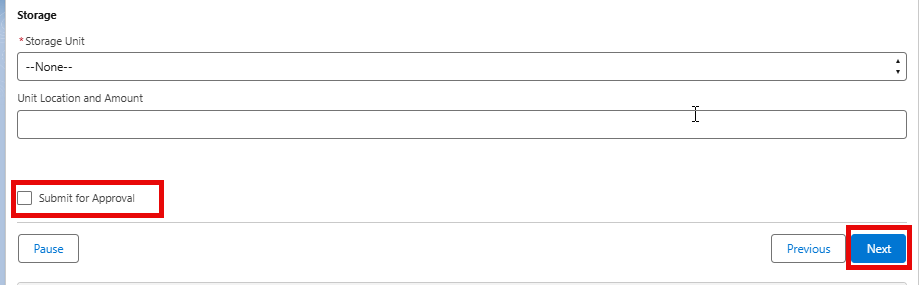
**If the assessment is not ready for submittal to your supervisor, you can click Next without selecting to submit. This will create and save the assessment, and you must come back to complete and submit the assessment on a later date.
